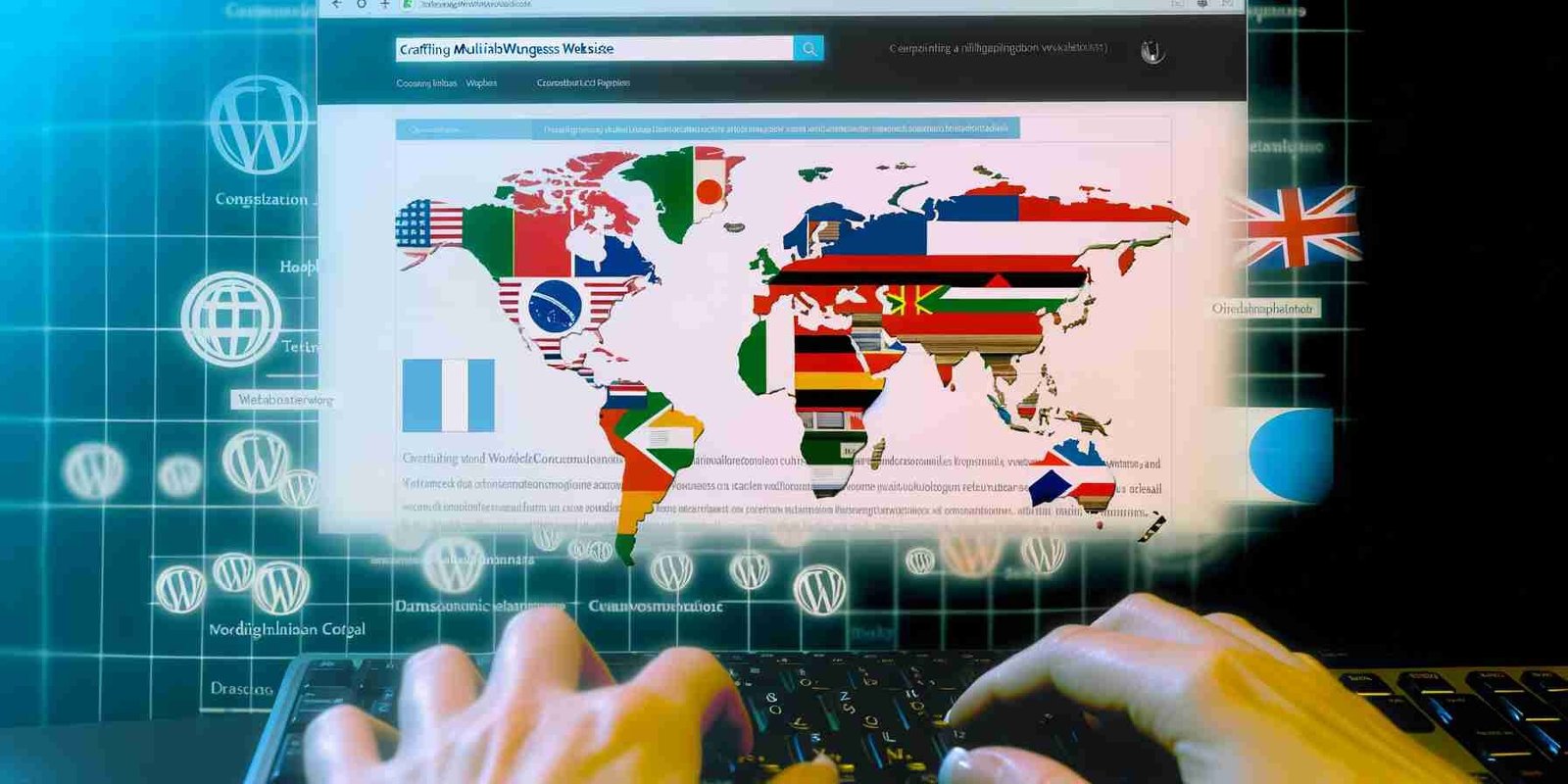

How to Create a Multilingual WordPress Site for Enhanced User Experience
Estimated reading time: 7 minutes
Key Takeaways
- Creating a multilingual WordPress site enhances user experience.
- Effective website translation improves user engagement and accessibility.
- Choosing the right plugin is crucial for functionality and ease of use.
- Employing best practices ensures consistency and quality across languages.
- Multilingual sites can positively impact SEO when managed correctly.
Table of contents
Introduction to Multilingual WordPress
Creating a website that speaks the language of your audience is crucial in today’s interconnected world. A multilingual WordPress site allows you to communicate effectively with users across different languages, significantly enhancing the overall user experience. In this blog post, we will delve into how to create a multilingual WordPress site and the benefits of website translation for expanding your global reach.
Benefits of a Multilingual WordPress Site
Creating a multilingual WordPress site offers numerous advantages:
Increased Accessibility
- By providing content in multiple languages, you make your site accessible to a larger audience.
- Users can engage with your website in their native language, improving comprehension and retention of information.
Improved User Engagement
- Multilingual content often results in higher engagement rates.
- A study by Common Sense Advisory found that 75% of consumers prefer buying products in their native language.
Enhanced Brand Loyalty
- When users can navigate your site in their language, it builds trust and reinforces brand loyalty.
- Customers are more likely to return to websites that cater to their language preference.
In essence, effective website translation not only improves user experience but also positions your brand favorably in competitive markets. The impact of multilingual websites on user engagement is significant and measurable.
Steps to Create a Multilingual WordPress Site
Creating a multilingual WordPress site involves several key steps.
Step 1: Choosing a Multilingual Plugin
The first step is to choose the right multilingual plugin. Here are some popular options:
- WPML: A comprehensive solution that supports multiple languages and offers extensive features for translation management.
- Polylang: A user-friendly plugin that allows you to create multilingual content without hassle.
- TranslatePress: A visual translation plugin that enables you to translate directly from the front end of your site.
Choosing the right plugin depends on your specific website needs, budget, and desired features.
Step 2: Installing and Configuring the Plugin
After selecting your preferred plugin, follow these steps to install and configure it:
- Install the Plugin: Go to your WordPress dashboard, select “Plugins” > “Add New,” and search for your chosen multilingual plugin.
- Activate the Plugin: Click “Activate” after installation is complete.
- Configure Language Settings: Access the plugin settings to choose the languages you want to support.
Each plugin will have unique setup flows, so be sure to consult their documentation!
Step 3: Adding and Managing Translations for Posts and Pages
Once the plugin is set up, you can begin adding translations:
- Creating Translations: For each post or page, you’ll find an option to add translations. Make sure to keep the content contextually accurate.
- Best Practices for Editing: Regularly check translations for accuracy and adjust based on user feedback. Consistency in terminology is crucial.
Step 4: Setting Up Language Switchers for User Convenience
Language switchers are essential for user convenience. They allow visitors to easily navigate between different languages:
- Location: Place the language switcher in a prominent location, such as the header or footer, to increase visibility.
- Design: Ensure the switcher is user-friendly and visually appealing.
Implementing a clear and accessible language switcher enhances the user experience across different language options.
Best Practices for Website Translation
Successfully translating your website content requires thoughtful consideration and execution.
Tips for Effective Content Translation
- Consider Cultural Nuances: Be mindful of cultural differences. What works in one culture may not resonate in another.
- Focus on Localization: Adapt not just the language but also the content to reflect local customs and preferences.
Professional Translators vs. Automatic Translation Tools
When it comes to translation, you have two main options:
- Hiring Professional Translators: They bring expertise and cultural insight. This ensures tone, context, and nuances are preserved.
- Using Automatic Translation Tools: While quicker and cost-effective, these may miss subtleties and create awkward translations.
The consensus is that while automatic tools have their place, professional input is invaluable for maintaining high-quality user experience.
Maintaining Consistency Across Languages
- Design Elements: Ensure that the design remains consistent across all languages (font sizes, colors, layout).
- Content Layout: Adapt content layout to avoid clutter. This ensures it is easy to read, regardless of language.
Consistency in user experience across languages is crucial for brand identity and user satisfaction.
Common Challenges in Multilingual Website Management
Managing a multilingual WordPress site comes with its own set of challenges:
SEO Implications
Multilingual sites can face several SEO challenges, including:
- Keyword Cannibalization: Multiple languages might compete for the same keywords.
- Content Duplication: Without proper translation management, duplicate content may affect rankings.
Solutions for SEO Optimization
To counteract these challenges:
- Use Hreflang Tags: These tags signal to search engines which language version of a page to show.
- Focus on Local Keywords: Research and integrate local keywords into your multilingual content.
Experts suggest that localizing content can increase traffic by up to 60%. For more information regarding strategic localization, visit Austin Copywriter.
Conclusion
Creating a multilingual WordPress site is essential for enhancing user experience and connecting with a diverse audience. The journey involves understanding the importance of translation, selecting the right tools, and implementing best practices.
By taking the necessary steps for website translation, you can invigorate your brand and foster greater user engagement.
We invite you to share your questions or experiences regarding implementing a multilingual site. Together, we can build a community of support and learning!
FAQ
- What is a multilingual WordPress site?
A multilingual WordPress site is a platform that allows you to present your content in multiple languages, facilitating better communication with a diverse audience. - Do I need a plugin for translation?
Yes, using a multilingual plugin can simplify the process of managing translations and enhance user experience. - How does a multilingual site affect SEO?
With proper management, a multilingual site can improve SEO by targeting local keywords and using hreflang tags to signal search engines.
About Us
Now Technology Systems is a full-service digital solutions provider specializing in web design, WordPress support, WooCommerce development, and search engine optimization (SEO). Our commitment is to help businesses build a strong online presence, drive sustainable growth, and deliver an exceptional user experience.
Explore our Homepage for more information on our services, including Google SEO Services, WordPress Support Services, and eCommerce Solutions.
Contact us today to see how we can help you achieve your digital goals!
View Our Previous 20 Posts
- Essential Features for Effective Architectural Photography Websites
- Essential Tools for Effective Link Prospecting Strategies
- The Impact of Typography on User Experience
- Essential Features to Enhance Your Language Translation Website
- Easily Transfer Comments Between WordPress Posts: A Guide
- How to Implement Lazy Loading for Better Site Performance
- Essential Features for Effective Martial Arts Tournament Websites
- Easily Integrate Google Optimize with Your WordPress Site
- The Pros and Cons of Infinite Scrolling vs. Pagination
- Essential Features Every Meditation Retreat Website Must Have
- Effortlessly Build a Multilingual WordPress Site Today
- How to Use Color Theory to Enhance Your Website Design
- Essential Features Every Acting School Website Must Have
- Install WordPress on Amazon Web Services in Easy Steps
- The Importance of Consistent Branding Across Your Website
- Essential Features for an Effective RV Rental Website
- Identify and Remove Backdoors from Hacked WordPress Sites
- How to Create a Custom 404 Page in WordPress
- Essential Features Every Digital Marketing Agency Website Needs
- Create Your Own Etsy-Like Store with WordPress Today